
Download the Konto mobile app
The Konto mobile app lets you record costs wherever you are — take a photo of a receipt and the AI reads the supplier, date, VAT and total automatically. The app is available for iPhone (App Store) and Android (Google Play) and connects to the same account as Konto on the web. This is part 4 of 4 in the series “Record costs like a pro” — see also part 1 on AI and approval, part 2 on email forwarding and part 3 on XML invoices.
- 1
Download the Konto mobile app
Open the App Store (iPhone) or Google Play (Android), search for “Konto” and install the app by Konto ehf.
- 2
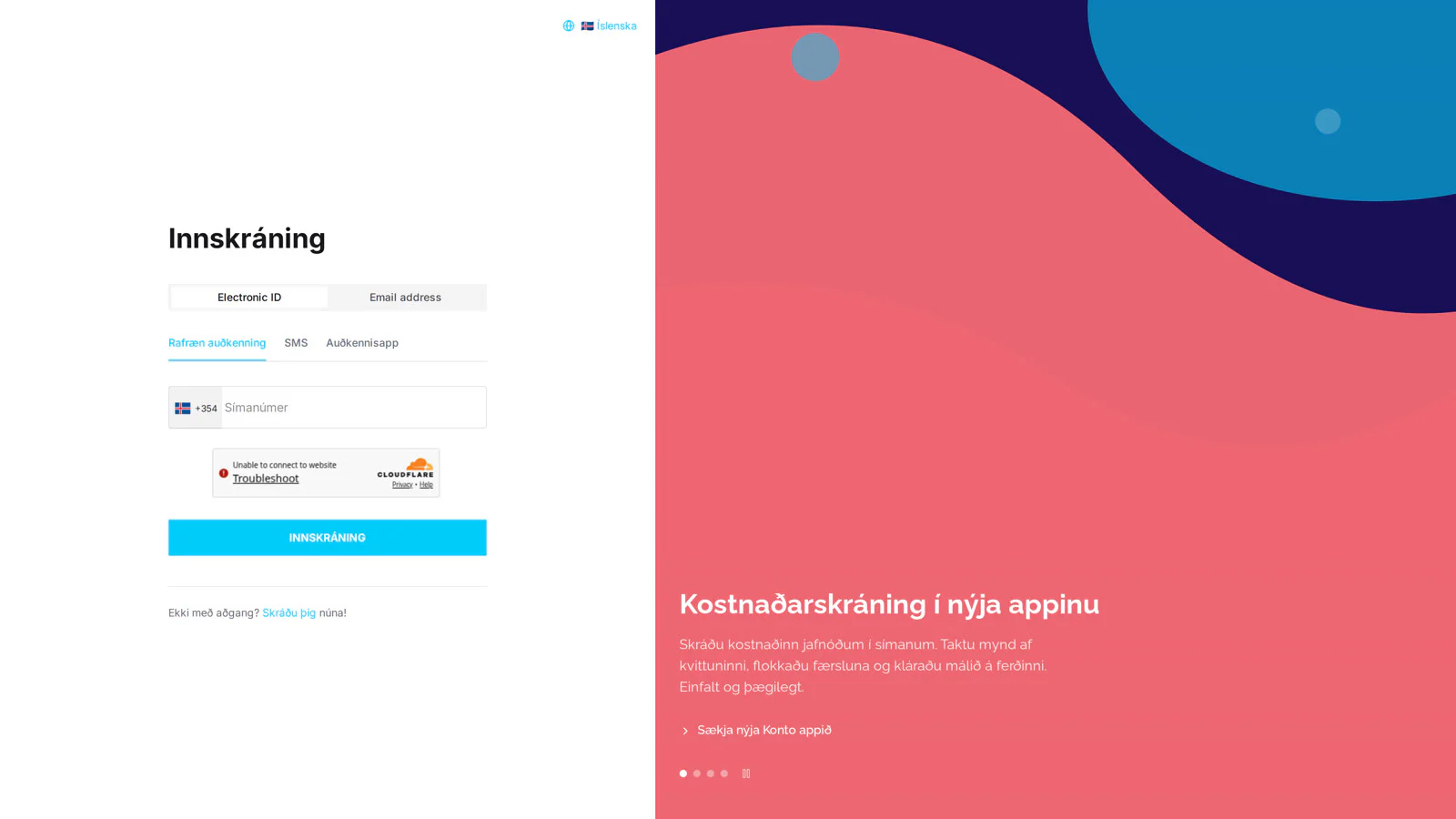
Sign in with Rafræn auðkenning
When the app opens, the sign-in screen appears. Tap “Rafræn auðkenning” and enter your phone number — or choose to sign in with email, SMS or Auðkennisapp.
- 3
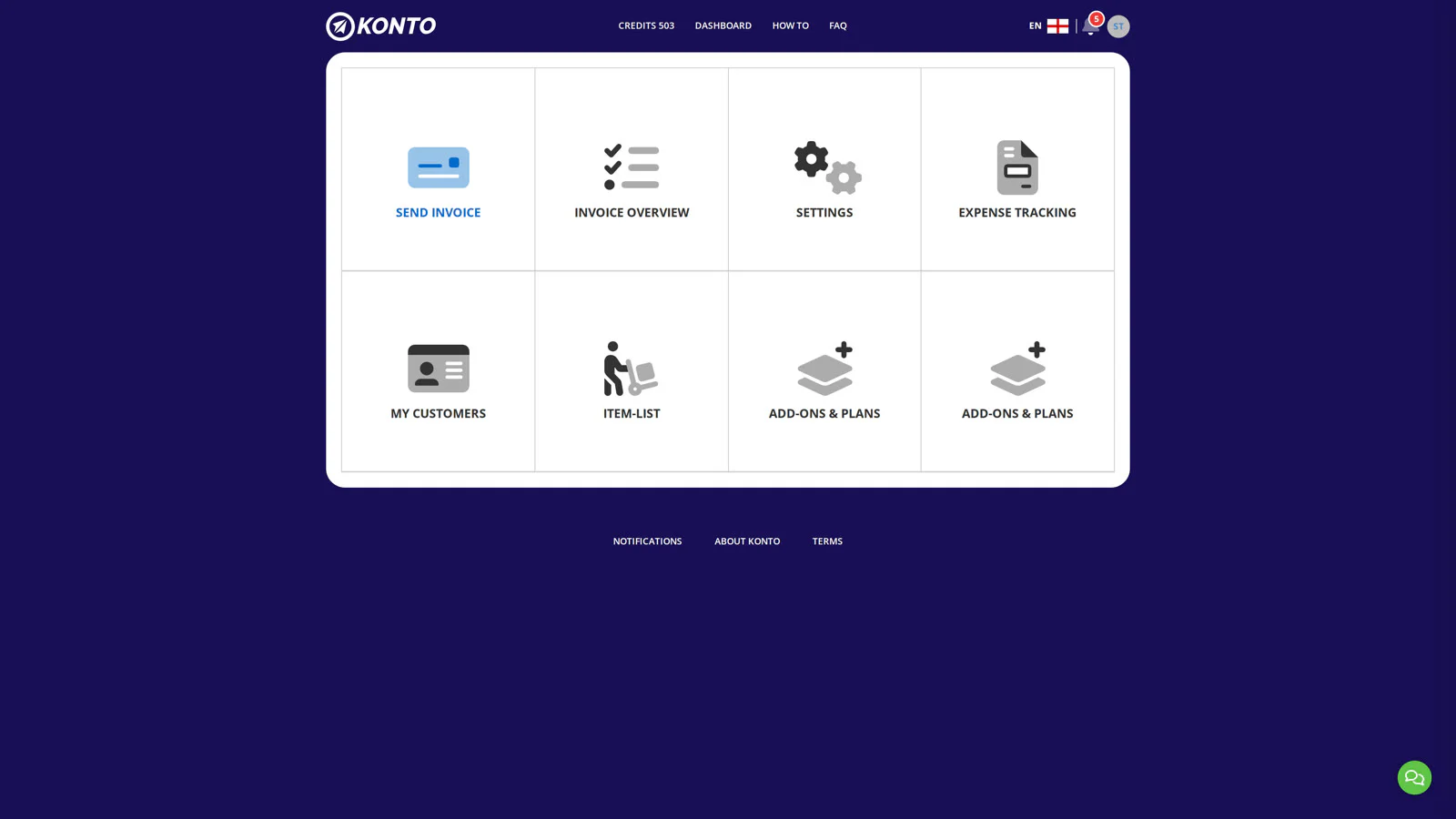
The dashboard — tap the red + button
Once signed in, the dashboard shows the same tiles as on the Konto website. Tap the red + button in the bottom bar to open the action menu.
- 4
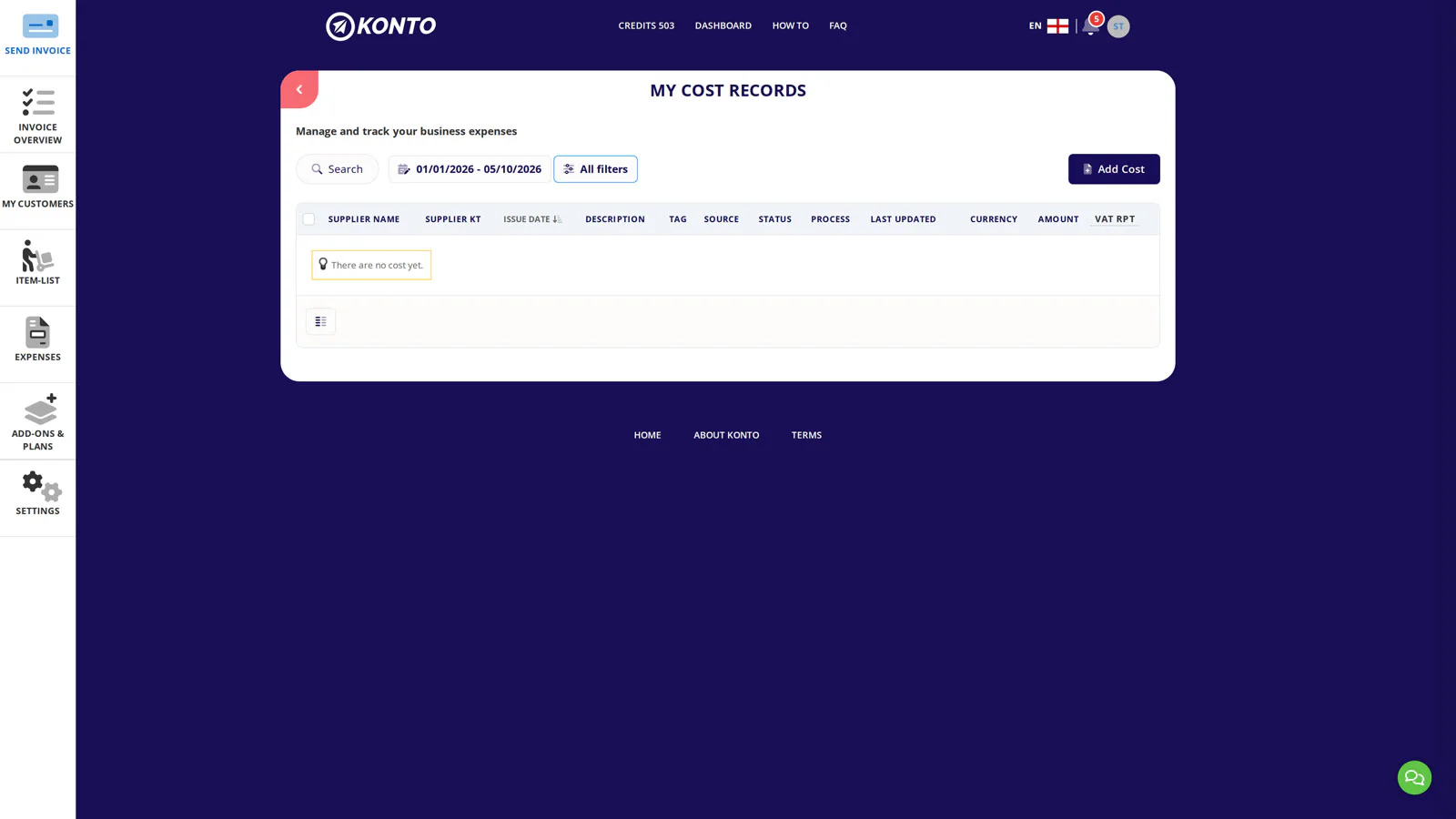
Select „Skanna reikning fyrir kostnað”
The action menu shows two options:
- „Skanna reikning fyrir kostnað” — scans a receipt directly with the camera.
- „Hlaða inn mynd fyrir kostnað” — picks a photo already in your gallery.
Tap „Skanna reikning fyrir kostnað”.
- 5
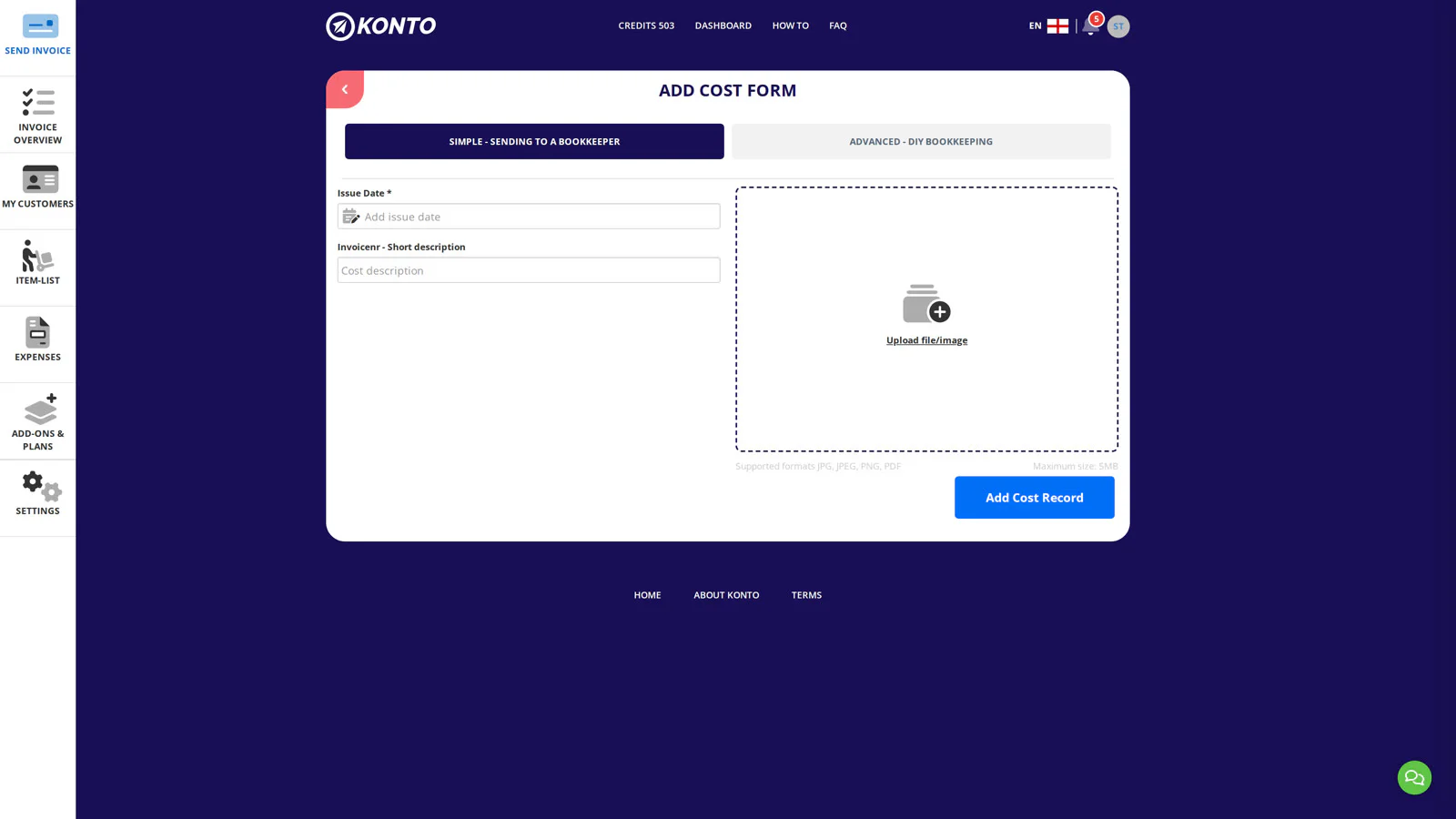
Hold the phone over the receipt
The scanner opens. Hold the phone steady and flat over the receipt in good light. The app detects the edges automatically and takes the picture.
- 6
Tap ✓ to confirm the image
The captured image fills the screen. Make sure it is sharp and the full receipt is visible — then tap ✓ at the top right.
- 7
Review the image and tap “Skrá kostnað”
On the review screen, choose an action:
- Tap “Skrá kostnað” to record this single receipt.
- Tap “Skrá meiri kostnað” to go straight back to the scanner and capture more receipts in sequence.
- 8
”Kostnaður skráður!” — the record is on the list
The confirmation “Kostnaður skráður!” appears and the new record is immediately visible in the cost list with the status NÝTT or Í VINNSLU while the AI processes it.


Tips
Keep the receipt flat and in good light
Lay the receipt flat and make sure it is evenly lit — avoid shadows and reflections. The better the image, the more accurately the AI reads it.
Can I throw away the receipt?
Once the receipt is recorded in the Konto app, the image is stored in the system. Check with your bookkeeper before discarding the original — rules on keeping source documents vary by industry.
Scan several receipts in a row
If you have more than one receipt, choose “Skrá meiri kostnað” in step 7. You go straight back to the scanner without having to go through the action menu again.
Common questions
Is the Konto app available for Android?
Yes — search for “Konto” in Google Play and install the app by Konto ehf. The process is exactly the same as on iPhone.
What if the AI reads something incorrectly?
Open the record in the cost list and tap “Breyta” to correct the fields manually.
Does scanning a receipt use credits?
Receipt scanning uses Konto's AI service. See the AI cost recording and approval guide for details on credits and settings.
Can I upload a photo I already took?
Yes — tap + in the bottom bar and choose “Hlaða inn mynd fyrir kostnað” to select an image from your gallery instead of scanning with the camera.
What does the Incomplete status mean?
If Konto could not read all fields on the receipt, the record gets the status Incomplete. A popup lists the missing fields and a button to fix them. When you save your corrections, the system re-validates — if everything is valid, the Incomplete status clears automatically.
Do I need separate login details for the app?
No — you use the same Rafræn auðkenning sign-in (phone number, email or Auðkennisapp) as on the Konto website. Your account and all data are identical in both.
Questions? support@konto.is